Publishers of technology books, eBooks, and videos for creative people
Adobe Photoshop CS6: Learn by Video: Core Training in Visual Communication
- By Kelly McCathran, video2brain
- Published Jun 8, 2012 by Peachpit Press. Part of the Learn by Video series.
DVD
- Sorry, this book is no longer in print.
Register your product to gain access to bonus material or receive a coupon.
Description
- Copyright 2012
- Dimensions: Special (all other)
- Pages: 48
- Edition: 1st
- DVD
- ISBN-10: 0-321-84071-2
- ISBN-13: 978-0-321-84071-4
This critically acclaimed training program from Adobe Press and video2brain combines exceptional quality high-definition video and a printed reference to teach the fundamentals of Photoshop CS6 as well as the basic principles of graphic design. Structured around the objectives of the Adobe Certified Associate exam “Visual Communication Using Adobe Photoshop CS6”, the product includes 15 hours of video tutorials, complete with lesson files, assessment quizzes, and review materials. The video’s unique interface allows the viewer to jump to any topic and bookmark individual sections. The unique Watch-and-Work mode shrinks the video into a small window to allow the student to follow along with the instructor in Photoshop. Project files are included on the DVD-ROM, which is bundled with a printed booklet that provides supplemental material to enhance the video training.
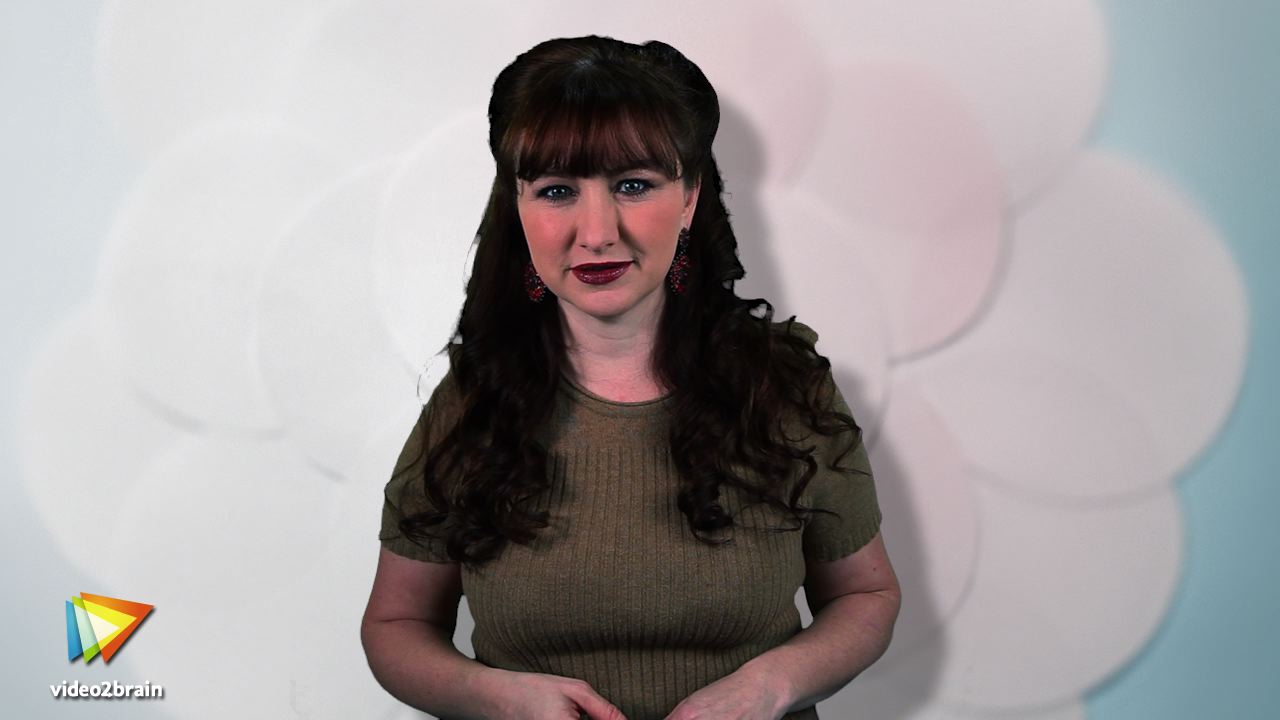
Experienced instructor Kelly McCathran presents a comprehensive introduction to Photoshop, including best practices as well as fundamental photography & image editing concepts. Beginning with Photoshop’s new workspace she then goes on to cover Photoshop’s powerful tools including features new to CS6 such as video editing, creating 3D text and objects, and much-needed Character and Paragraph styles.
Sample Content
Table of Contents
1 introducing Photoshop CS6
1.1 Introduction
1.2 How to Launch the Files and Lessons
1.3 What Is Photoshop: Raster vs. Vector
1.4 What’s New in Photoshop CS6 (Overview)
1.5 The Photoshop Family
1.6 Touring the Interface and Managing Document Windows
1.7 The Window > Application Frame (Mac Only)
1.8 Zooming and Navigating
1.9 Advanced Zooming and Navigating
1.10 Creating, Opening, Editing, and Saving
2 Photoshop Project explorations
2.1 Using Multiple Undos and the History Brush Tool
2.2 Redesigned Mini Bridge
2.3 Adobe Bridge and Batch Renaming
2.4 Removing Unwanted Objects with Content-Aware Fill
2.5 Content-Aware Move, Patch, and History Brush Tools
2.6 Plug-ins a.k.a. Filters/Up in Smoke
2.7 Automatic Color Correction
2.8 Flawless Faces: Women
2.9 Flawless Faces: Men
2.10 Cropping and Straightening an Image
2.11 Content-Aware Scaling
2.12 Making Selections
3 Customizing Photoshop
3.1 Under the Hood: New Auto Recovery, Customizing the Interface, and Hidden Plug-ins (Filters)
3.2 Arranging Panels, Switching Screen Modes, and Saving a Custom Workspace
3.3 Customizing Keyboard Shortcuts
3.4 Customizing Photoshop’s Menus
3.5 Optimizing Photoshop’s Performance: GPU, CPU, RAM, VRAM and More
3.6 Rulers, Guides, and Grids
4 Image editing Concepts
4.1 Resolution, File Size, and Compression
4.2 RGB vs. CMYK
4.3 Importing Camera Images
4.4 Reviewing and Rating Images
4.5 Organizing Your Image Library
4.6 Nondestructive Editing
4.7 Selections: Rectangular and Elliptical
4.8 Selections: The Lasso and Polygonal Lasso Tools
4.9 Selections: The Magic Wand Tool
4.10 Selections: The Quick Selection Tool and Refine Edge
4.11 Using Refine Edge for Image Extraction
4.12 Converting to Black-and-White
5 Layers and Masks
5.1 Removing Solid Backgrounds
5.2 Overview of Layers
5.3 Adding New Layers
5.4 Merging Two Images for One Perfect Shot
5.5 Layer Masks, the Key to Flawless Retouching
5.6 Creating Special Effects with Layer Masks
5.7 Correcting Color and Contrast Using a Layer Mask
5.8 Using Layer Styles
5.9 Changing Colors Using Layers
6 Photo retouching
6.1 Removing Red-Eye
6.2 Skin Perfection, Eye Brightening, and Double-Chin Removal
6.3 Creating “Hollywood” Skin
6.4 Realistic Retouching Using the History Panel
6.5 Dodging and Burning to draw Attention
6.6 Differences in the Primary Retouching Tools
6.7 Repairing Skin to New Layers
6.8 Did the Makeup Artist Go Too Far?
6.9 Drop 10 Pounds Without Dieting Using the Liquify Tool
7 Creating Beautiful digital images with adobe Camera Raw
7.1 What Is Adobe Camera Raw and What Files Can It Correct?
7.2 Reading a Histogram and Using the Info Panel
7.3 Reading and Applying Metadata
7.4 Creating Metadata Templates
7.5 Removing Color Casts and Improving Contrast With ACR
7.6 Correcting a Series of Photos and the Image Processor
7.7 Cropping in Adobe Camera Raw
7.8 Boosting Color With Adobe Camera Raw
7.9 Selective Color in Adobe Camera Raw
7.10 Painting in Corrections with the Adjustment Brush
7.11 Using the Targeted Adjustment Tool
8 Working with Type and Creating Mock-Ups
8.1 Typography in Photoshop
8.2 The Character Panel
8.3 The Paragraph Panel
8.4 Creating and Sharing Paragraph Styles
8.5 Character Styles
8.6 Creating Mobile Buttons
8.7 The Coolest Keyboard Shortcuts for Formatting Text
8.8 Using Guides and Layer Groups to Perfect the Layout
8.9 Advanced Blending Options for Type
9 3d and Video Editing
9.1 Making Text 3d
9.2 Creating a 3d Object
9.3 Creating a 3D Title Sequence
9.4 Video Editing in Photoshop
9.5 Adding Video Transitions
10 Just for Fun
10.1 The “Tourist & Car” Remover
10.2 Creating Seamless Panoramic Images
10.3 “Cropiddy” Crop, Crop, Crop
10.4 Cropping to Ratios, Fixed Sizes, and Resolution
10.5 Perspective Crop Tool
10.6 Adaptive Wide Angle Correction
10.7 Blurring for Focus or Optical Illusion
10.8 Cool Lighting Effects
10.9 Warping Images
10.10 Puppet Warp
10.11 The Clone Stamp Tool
10.12 Merging High Dynamic Range Images
10.13 Vanishing Point
10.14 Using Blending Modes and Adding a Mask
11 Outputting Your Images
11.1 Building a Web Photo Gallery
11.2 Creating a Contact Sheet
11.3 Saving Images for the Web
11.4 Color Settings
11.5 Preparing Press-Quality Images
11.6 Printing Images
12 Artistic Expression and Special Effects
12.1 Turn Your Photo Into a Work of Art with Oil Paint
12.2 Creating Hand-Painted Artwork from a Photo with the Mixer Brush
12.3 Using Adobe Camera Raw for Painterly Effects
12.4 Creating Abstract Artwork with the Art History Brush
12.5 Using Actions for Special Effects
12.6 Record Your Hand-Drawn Painting
12.7 Create a Cartoon Avatar Using the Filter Gallery
12.8 Creating and Applying Patterns
13 Closing Thoughts
13.1 Closing Thoughts