Home / Store / Adobe Photoshop Lightroom / Adobe Photoshop Lightroom 4: Learn by Video
Register your product to gain access to bonus material or receive a coupon.
This complete training program from Adobe Press and video2brain combines over 10 hours of exceptional video training with a full-color 48-page guide to teach you the fundamentals of Adobe Lightroom 4 as well as the basic principles of image processing and management.
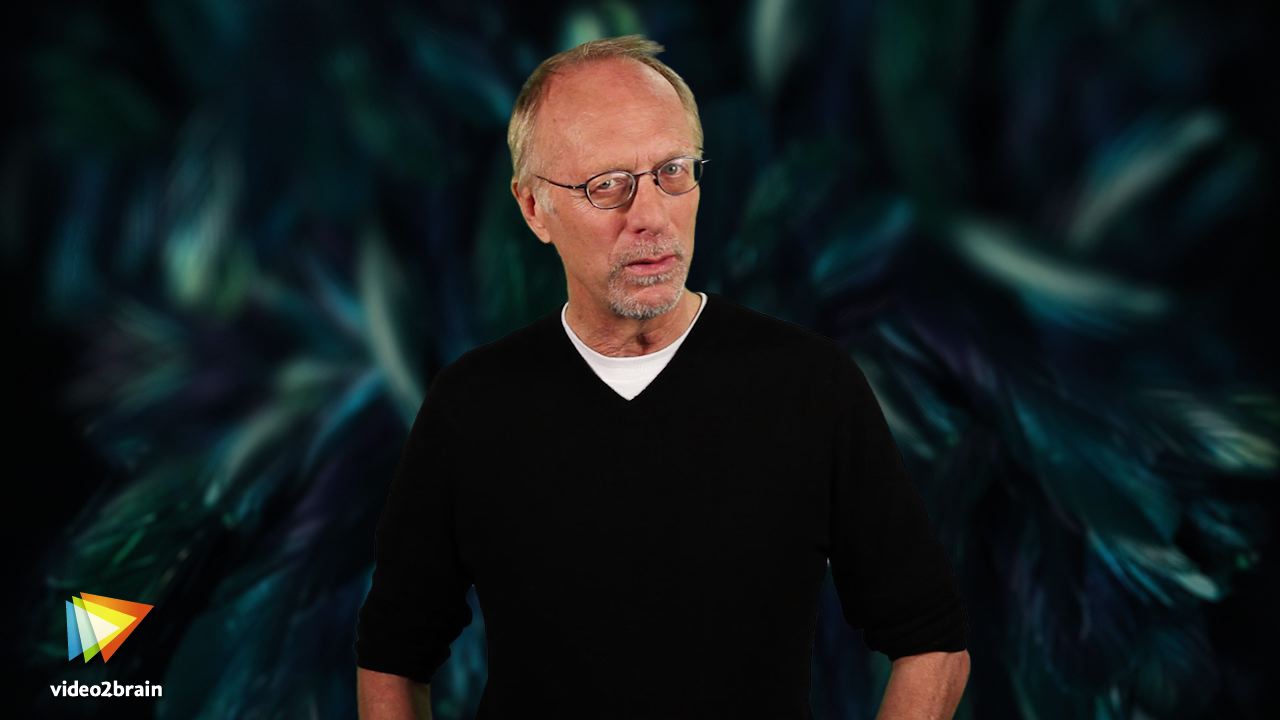
Award-winning photographer and teacher Mikkel Aaland walks you through the main features of the program, showing you how to import images, apply keywords, and create Collections; then moving on to the Develop module, where you use sophisticated controls to bring out the best in each image. Mikkel also shows you how to export your photos to print, the Web, or to other media. The course includes extensive coverage of what’s new in Lightroom 4 such as the Map and Book modules, and vastly improved image processing engine.
The lessons are wrapped in a feature-rich interface that lets you jump to any topic and bookmark individual sections for later review. Full-Screen mode provides a hi-def, immersive experience, and Watch-and-Work mode shrinks the video into a small window so you can play the videos alongside your application.
As with all titles in the Learn by Video series, the project files used in the lessons are included with the course, and interactive review questions help reinforce what you’ve learned. Selected videos are also provided ready to be downloaded for viewing on your iPhone, iPod, or other compatible mobile device.
|
36 of 37 people found the following review helpful
By
Amazon Verified Purchase(What's this?)
This review is from: Adobe Photoshop Lightroom 4: Learn by Video (Paperback)
Mikkel Aaland has created a very good introduction to, and overview of, the Adobe Lightroom 4 software. Each Chapter, consisting of multiple sub-chapters, explores aspect of the Lightroom 4 "Modules" - those portions of the Lightroom program that enable the cataloguing, processing or outputting of RAW photographs.The sub-chapters within each Chapter typically run in length from 4 minutes to 10 minutes a piece - each presenting an area in an easily digestible, focused manner. Each sub-chapter is also short enough to repeat immediately in the event that you want to reinforce what you just saw. Each is also sufficiently self-contained that you can review it weeks or months later without having to view the entire chapter in which the sub-chapter appears. Aaland has a pleasant teaching style, voice and manner. He is clear and readily comprehensible. The DVD will leave you with a very good understanding of the overall operation of the program and how to use each... Read more
9 of 9 people found the following review helpful
By
Amazon Verified Purchase(What's this?)
This review is from: Adobe Photoshop Lightroom 4: Learn by Video (Paperback)
really glad i purchased this. the video segments are short, maximum 10 minutes and effectively show all the functionality of LR4.. Combined with a beginner's reference like Scott Kelby's LR4 book or the more thorough English's LR 4 book, this makes for a great learning combination.
9 of 10 people found the following review helpful
By
Amazon Verified Purchase(What's this?)
This review is from: Adobe Photoshop Lightroom 4: Learn by Video (Paperback)
Mikkel makes a rather complicated product easy to understand. I wouldn't recomment it to a novice but if you've been around post processing software for a while you will love his way of teaching. Very down to earth, he doesn't use a lot of techie talk. I would highly recommend it to a mid level phtotgrapher wanting to use LR4 but affraid it will be too difficult to master.
|
This DVD includes free shipping!
Adobe Photoshop Lightroom 4: Learn by Video
Online Video
Get unlimited online access to thousands of training resources on creative topics. You will also get a discounted rate of just $17.99/month if you decide to continue with a paid subscription.